
Move issues to done
Assign, organize, follow up, and show outcomes.
Trusted by leaders and HR professionals at more than 60,000 companies








Turn feedback into tracked work
Assign each submission to the right person, organize by tags or themes, follow up privately when you need more detail, and publish public replies so everyone sees progress, all without revealing identities.
How it works

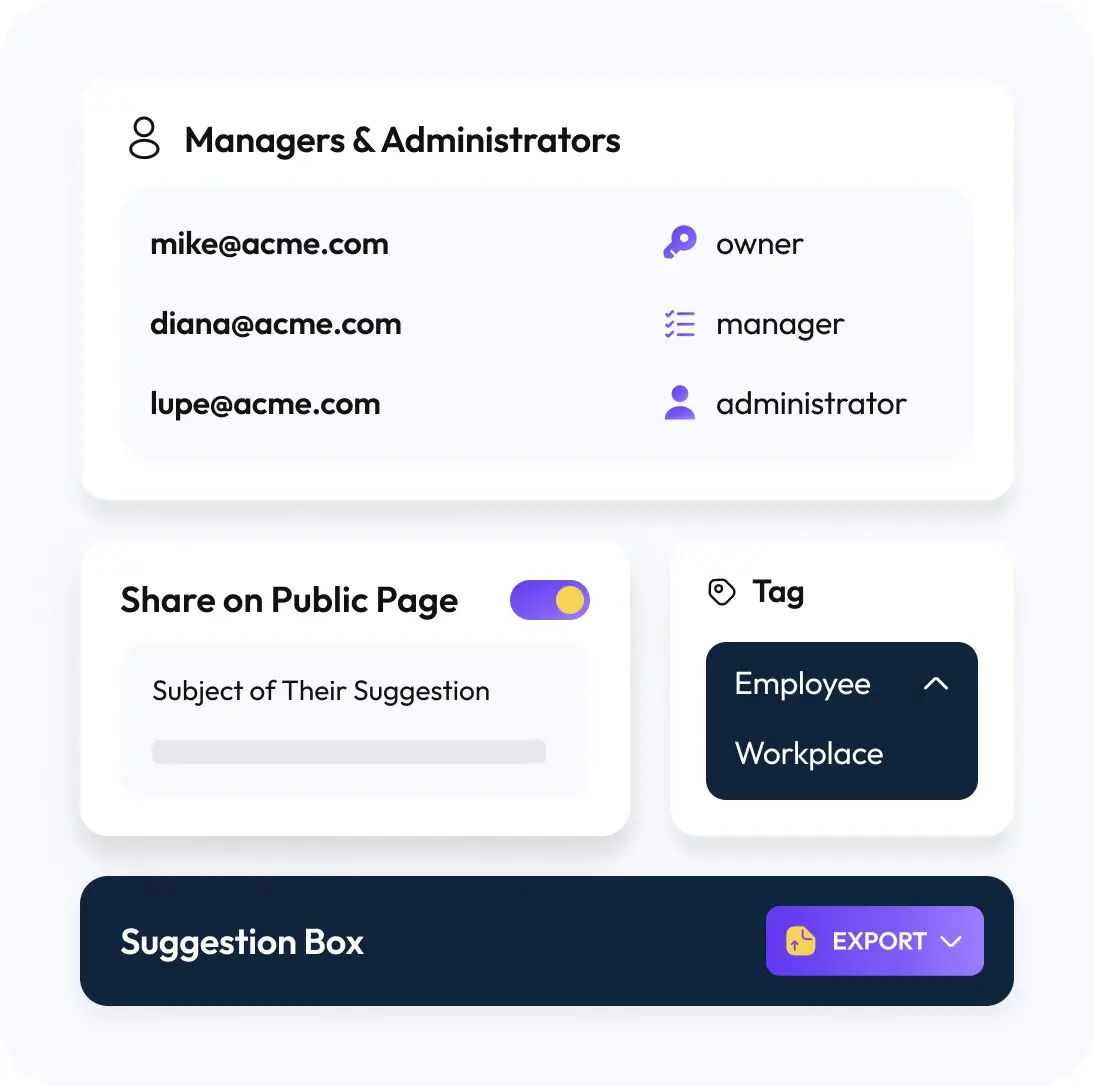
Assign an Owner
Give each submission a clear owner so someone is accountable for moving it forward.

Organize and Prioritize
Add tags and group by theme, initiative, or team. Filter what matters and plan next steps.

Close the Loop
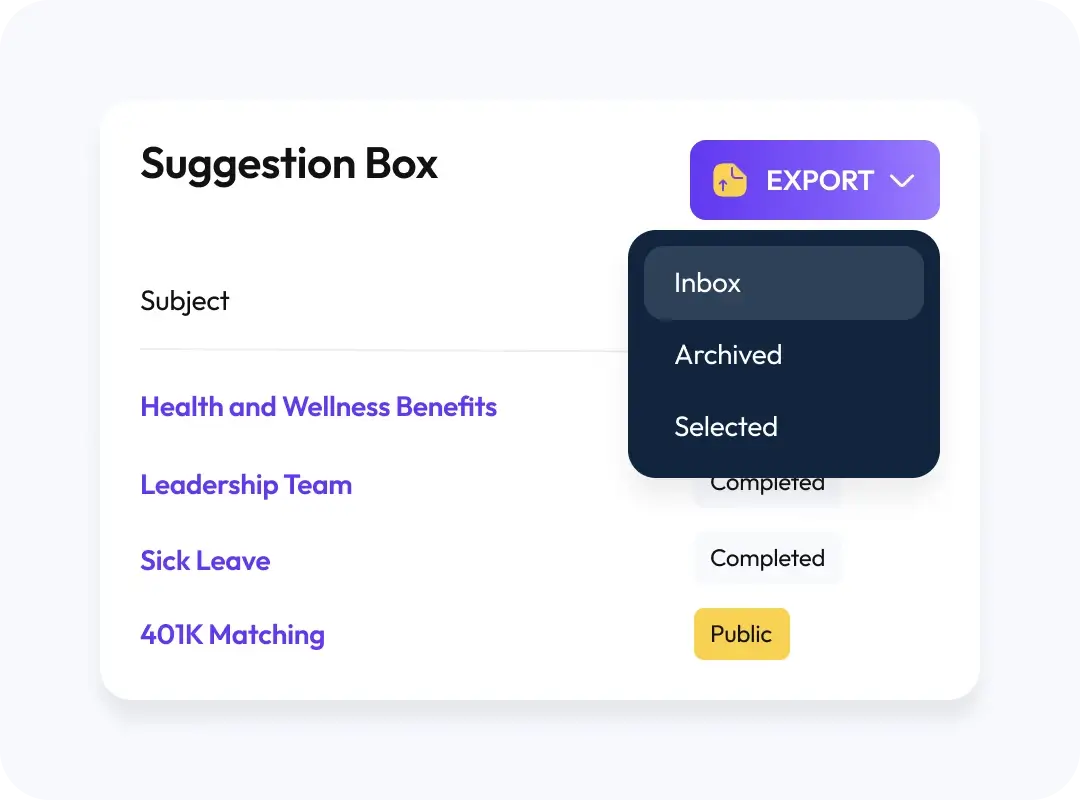
Reply privately to get missing details, then share a public response when the whole team benefits from the update. Export a CSV for reviews or audits.
Make it accountable
Owners & assignment
Route work to the right person. Hand‑offs stay visible and nothing gets dropped.
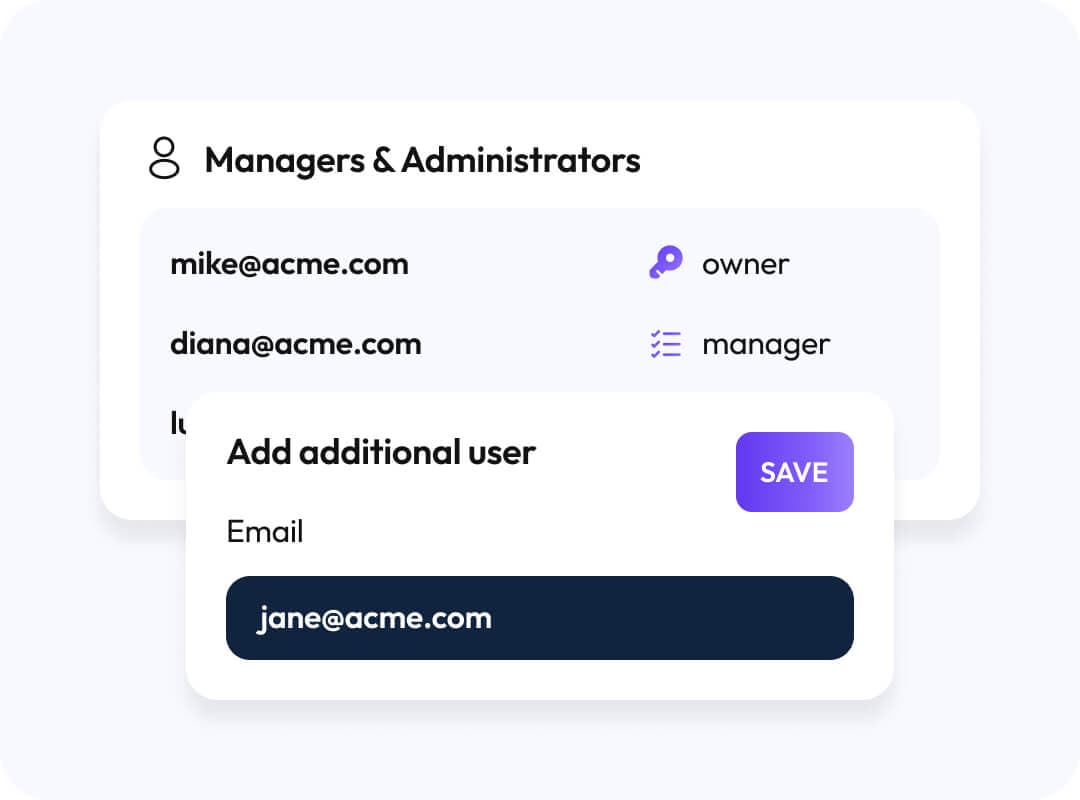
Tags & organization
Create simple, searchable structure (projects, themes, departments) so you can spot patterns and queue actions quickly.
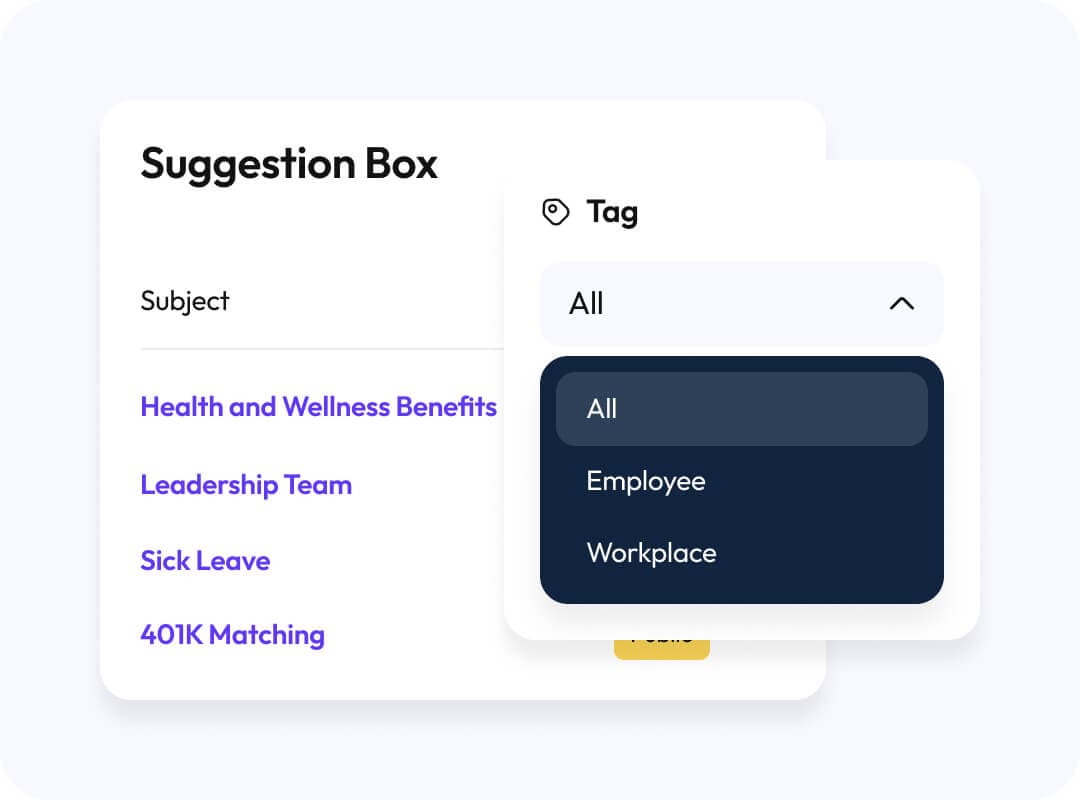
Public replies
When an answer helps everyone, publish it. Reduce repeat questions and build trust by showing outcomes, not identities.
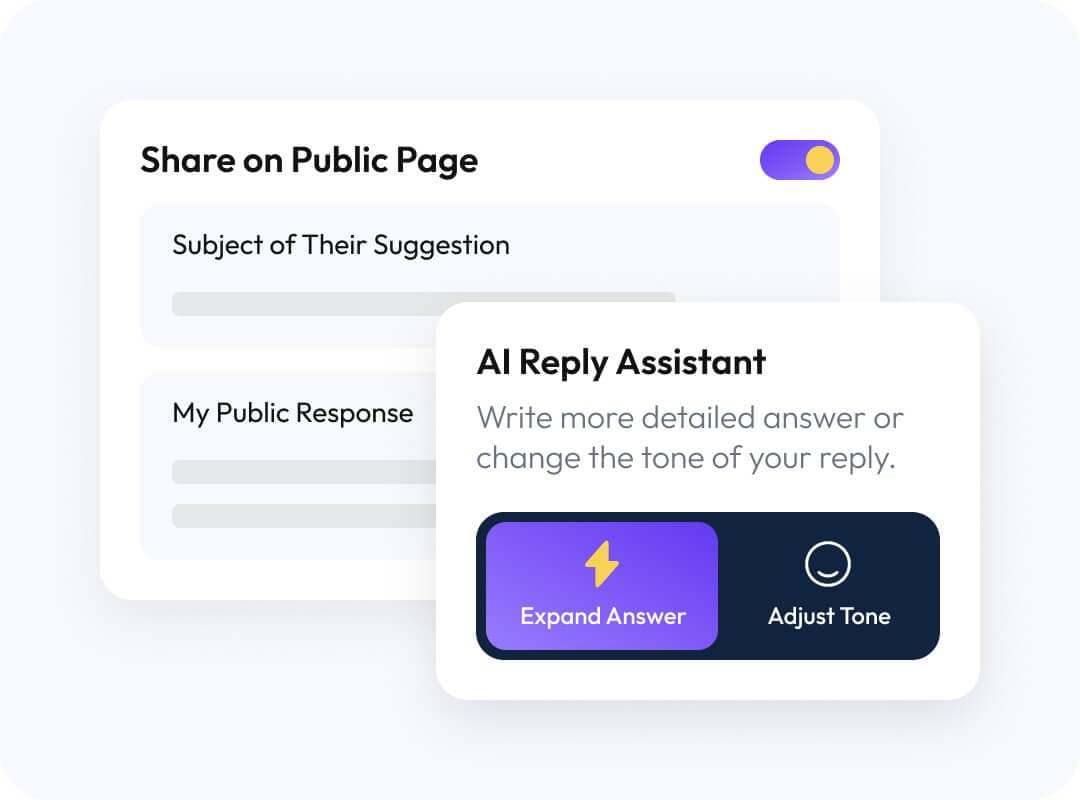
CSV exports
Pull everything into a spreadsheet for quarterly or board reviews. Keep anonymity intact while you report results.
Why you need case management?

Stuff Gets Lost When No One Owns It
Assign an owner so each submission has a driver.

Teams Can’t Act On a Pile of Unstructured Text
Tags and themes make trends obvious and decisions faster.

Trust Erodes When Outcomes Stay Hidden
Publish public replies to show what changed and why.
Security & anonymity
We provide security while maintaining anonymity to ensure privacy across the board.
- Follow up privately without exposing identities
- Publish outcomes publicly, not names
- Keep sensitive details inside your private inbox
Connect it to your workflow
Get new‑submission alerts in Slack and Microsoft Teams, plus scheduled reminders to keep owners moving.

Achieve your management goals with Suggestion OX
Simplify your management process with our advanced features.

HR & People
Triage policy questions, route to the right owner, and publish updates company‑wide.

Compliance & Ethics
Track concerns from intake to resolution and document your response.

Safety & Facilities
Group by location or issue type and move fixes to done.
They love us for a reason
Don’t just take our word for it, see and hear what our customers are saying.
“You know you’ll hear the truth, because your people know their identity is protected.”
J Patel
CEO, IMImobile
Read story“In HR you don’t want to guess and you don’t want to just throw things at the wall and hope they stick. Suggestion Ox lets us diagnose and understand what’s working, what’s not working.”
Greg Crook
VP of Human Resources, Guarantee Electrical
Read story“Suggestion Ox is a highly-valuable way for people to send anonymous questions and suggestions whenever they occur to someone.”
Jennifer George, MS, SHRM-CP
Manager, People Operations, Vituity
Read story