
Make good ideas visible
Share select submissions, add your response, and invite the team to weigh in.
Trusted by leaders and HR professionals at more than 60,000 companies








Show progress without exposing people
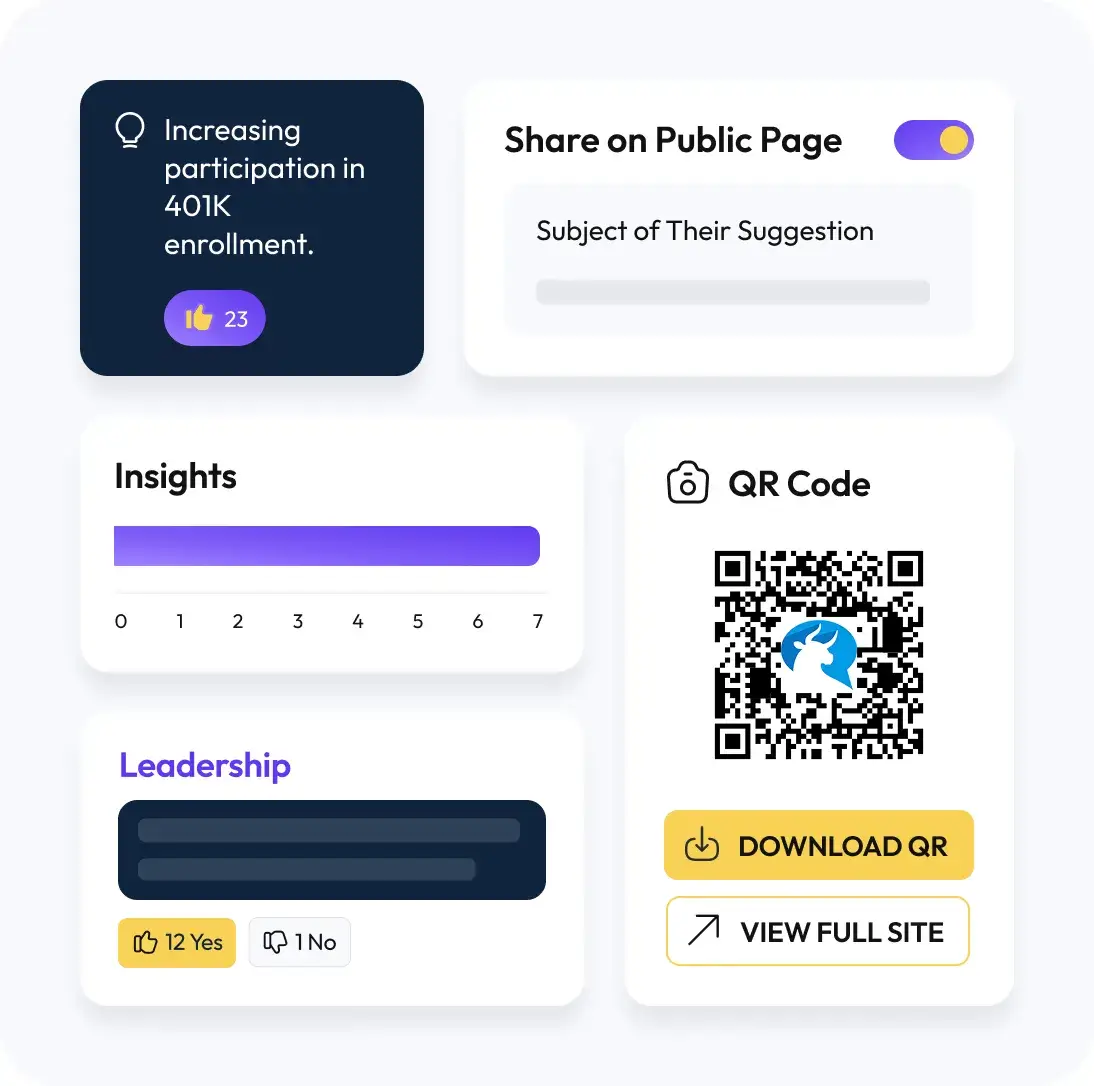
Turn private submissions into visible updates. Choose what to share on a private, team‑only page, add context, and publish your response. When it helps, turn on voting so people can upvote or downvote ideas. The submission stays anonymous, the outcome is clear.
How it works

Curate What’s Public
Keep everything else private.

Add your Response
So people see where you stand.

Optional Voting
To gather support with upvotes or downvotes.

Password Protection
Available for your shared page.

Share to Slack or Teams
To spread the word.

Keep Identities Protected
Only the content is shared.
How it works

Select An Item To Share
Pick any submission to appear on your private team page. Edit for clarity if needed.

Add Your Response
Explain the decision, status, or next step so people aren’t left guessing.

Invite Input
Turn on voting when you want the team to weigh in with up or down votes. Share the page link, or post it to Slack or Teams.
Why sharing feedback is so important

Visibility Builds Trust
People see answers and decisions,not a black hole.

Fewer Repeats
Publishing answers reduces duplicate questions.

Better Prioritization
When enabled, voting helps you sense what matters now.
Share it where work happens
Post new public replies to a Slack or Microsoft Teams channel so more people see them and fewer questions repeat.

Build trust by choosing what to share
Discover the benefits of having control of your team’s public replies and choosing whether or not to share them.

All‑Hands Q&A
Publish questions and answers before the meeting.

Ideas That Need Buy‑In
Share proposals and let people react.

Policy Updates
Explain changes and invite feedback.
They love us for a reason
Don’t just take our word for it, see and hear what our customers are saying.
“You know you’ll hear the truth, because your people know their identity is protected.”
J Patel
CEO, IMImobile
Read story“In HR you don’t want to guess and you don’t want to just throw things at the wall and hope they stick. Suggestion Ox lets us diagnose and understand what’s working, what’s not working.”
Greg Crook
VP of Human Resources, Guarantee Electrical
Read story“Suggestion Ox is a highly-valuable way for people to send anonymous questions and suggestions whenever they occur to someone.”
Jennifer George, MS, SHRM-CP
Manager, People Operations, Vituity
Read story