
Collect feedback your team will actually share
Custom forms, true anonymity, file uploads, simple sharing with links or QR codes.
Trusted by leaders and HR professionals at more than 60,000 companies








Make it easy to speak up
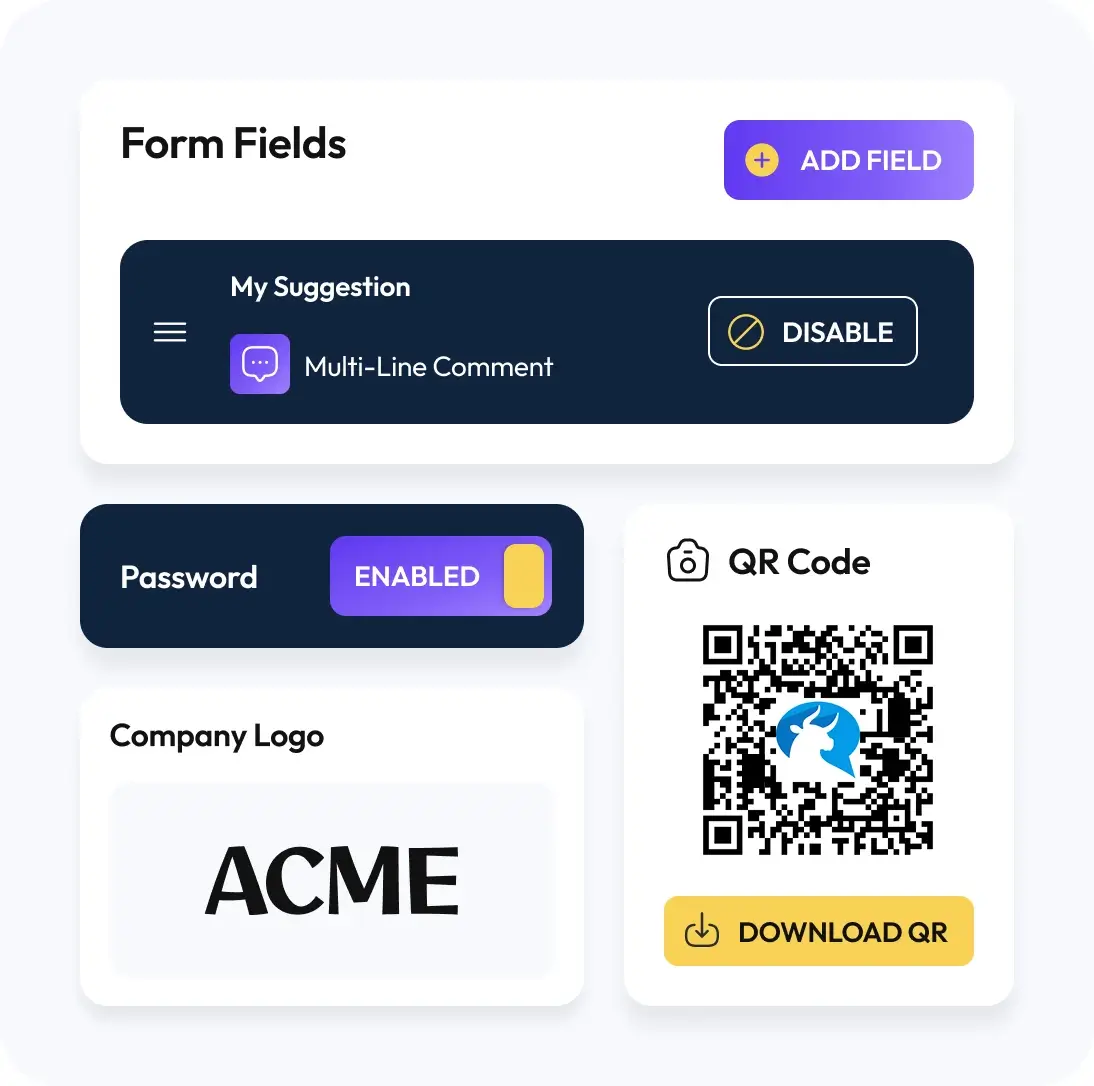
Collect is your anonymous feedback engine for real talk. Create a branded form in minutes. Add the fields you need, subject, description, categories, checkboxes, secure file uploads. Share it as a short link or QR code so anyone can reach it on web or mobile.
Every submission lands in a clean inbox where you assign an owner, set a status, and move work forward. Need more context, ask follow ups with Direct Replies and keep both sides anonymous. Ready to show progress, publish selected items with a public response and, when useful, let people vote. Keep participation high with Slack and Microsoft Teams reminders and private alerts.
How it works

Create Your Form
Add the fields you need. Subject, description, dropdowns, checkboxes, file upload. Brand it so it feels familiar.

Share It
Get a short link and a QR code. Post it on walls, wikis, slides, or send it in email. You can nudge people from Slack or Teams too.

Receive and Route
Submissions land in your inbox. Assign an owner, set a status, move it to be resolved. Nothing falls through the cracks.
Design your suggestion box and flow
Custom forms and fields
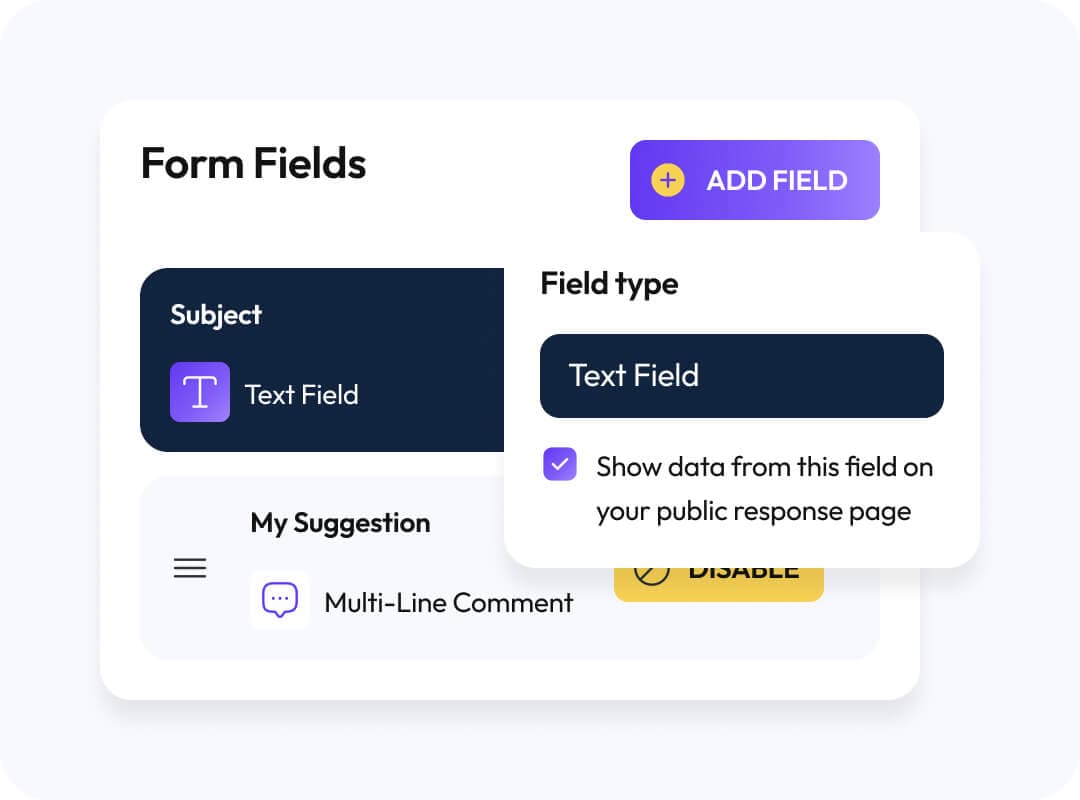
Build the form you actually need, not a generic box. Add clear prompts, make key fields required, keep the rest optional. Branded and familiar so people trust it.
File uploads with metadata scrubbing
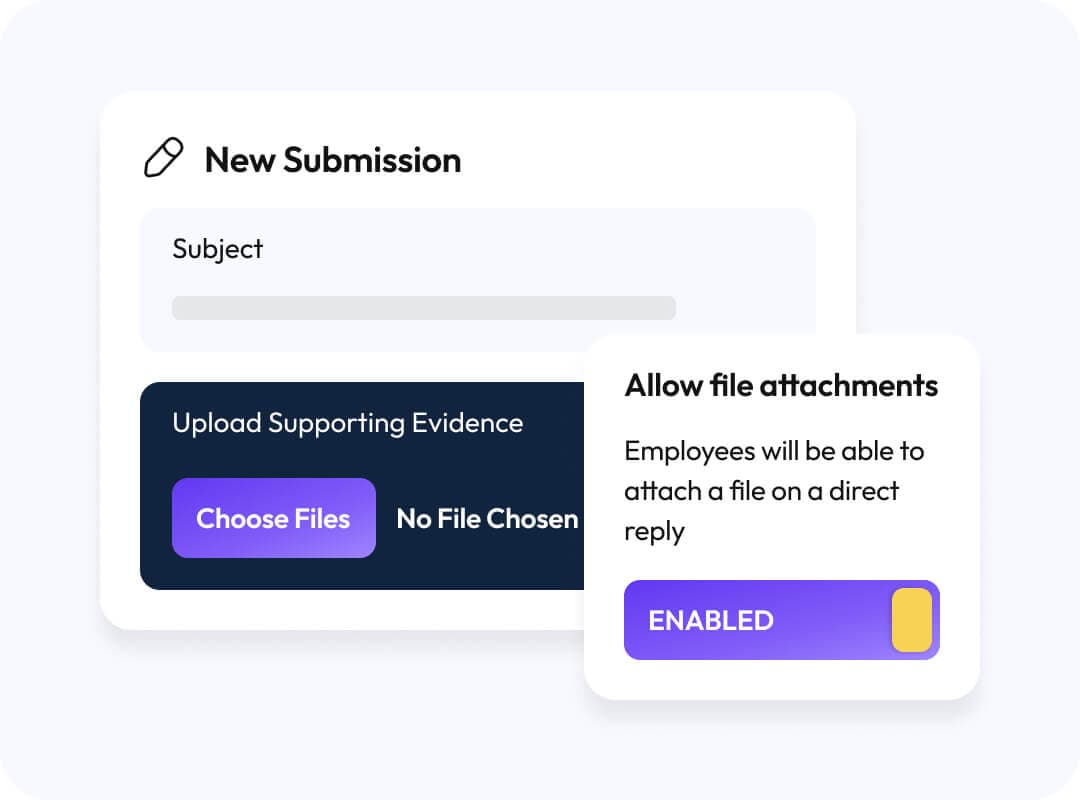
Let people attach what proves the point, screenshots, docs, photos. We strip common metadata on upload to protect identities. You stay focused on the content, not the risk.
- Accept screenshots, documents, photos.
- Strip EXIF and author data on upload.
- Set max size and allowed types.
Access controls
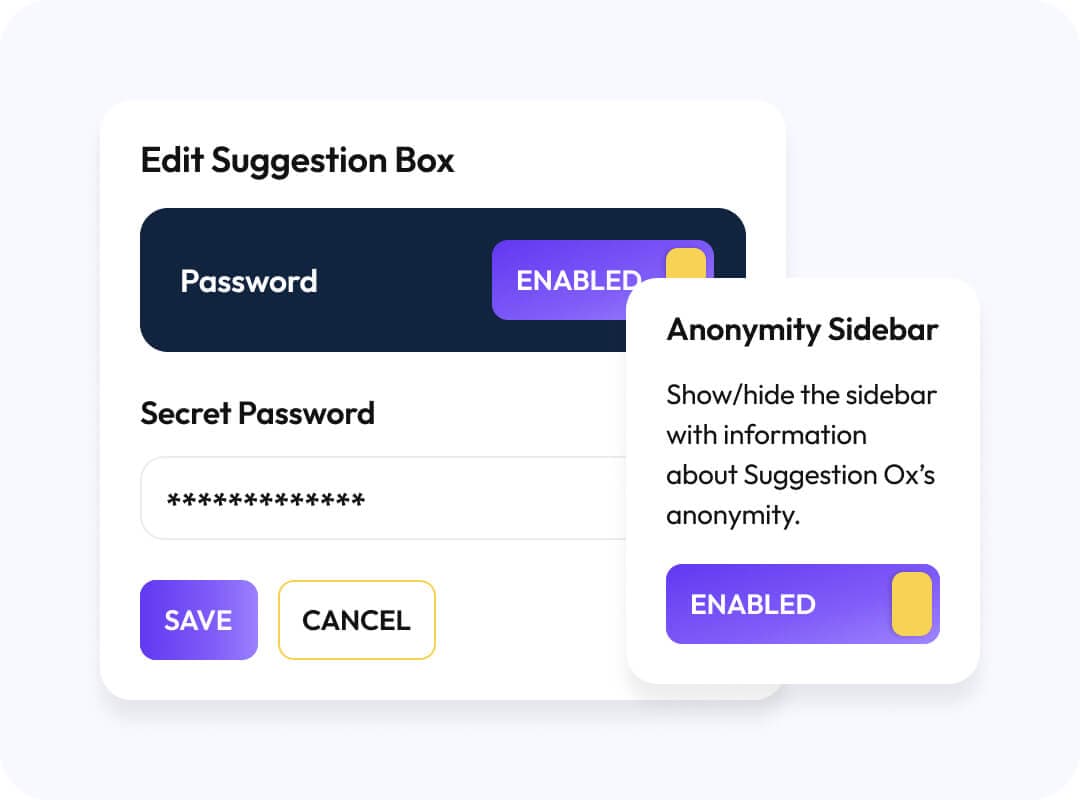
Decide who can submit. Keep it open to everyone, or gate it with a password or your company email domain. Flip visibility in navigation when you need extra discretion.
- Password protect the form.
- Restrict by company email domain.
- Hide or show the page in navigation.
Branding and languages
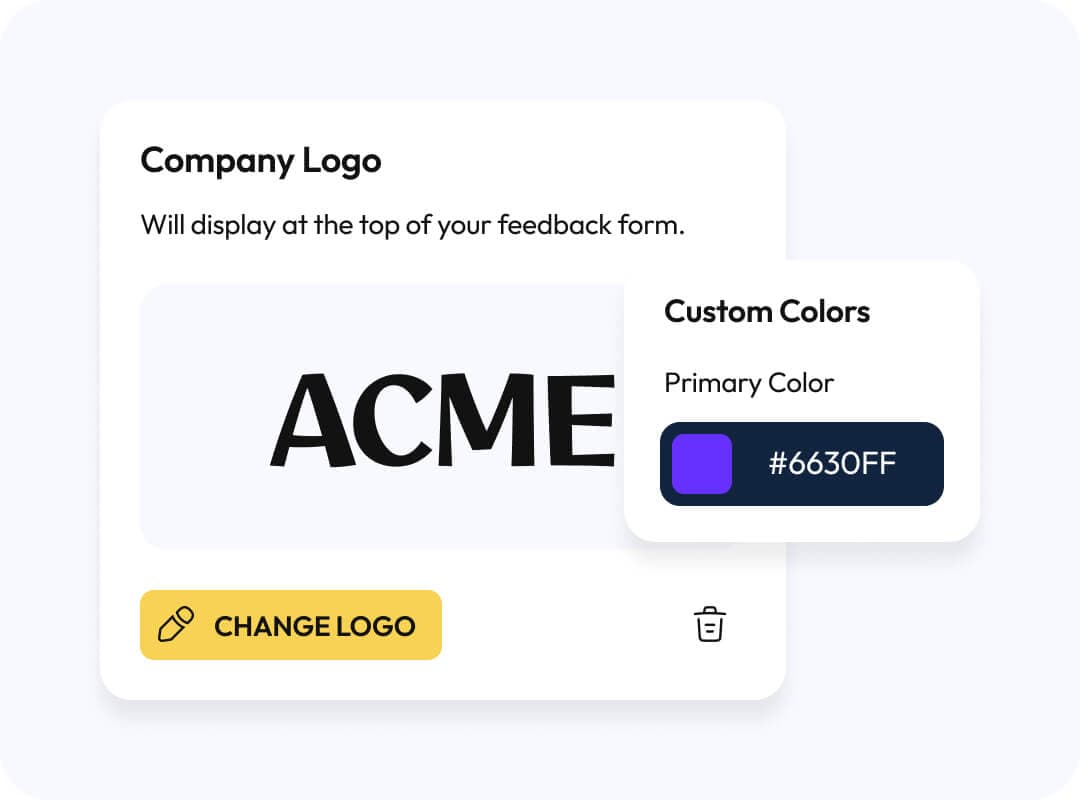
Make it feel like home with your logo, colors, and a clean custom URL. Offer the form in supported languages so everyone can participate. Add consent and privacy text where it belongs.
- Logo, colors, custom URL.
- Language options for submitters.
- Clear consent and privacy text.
Sharing options
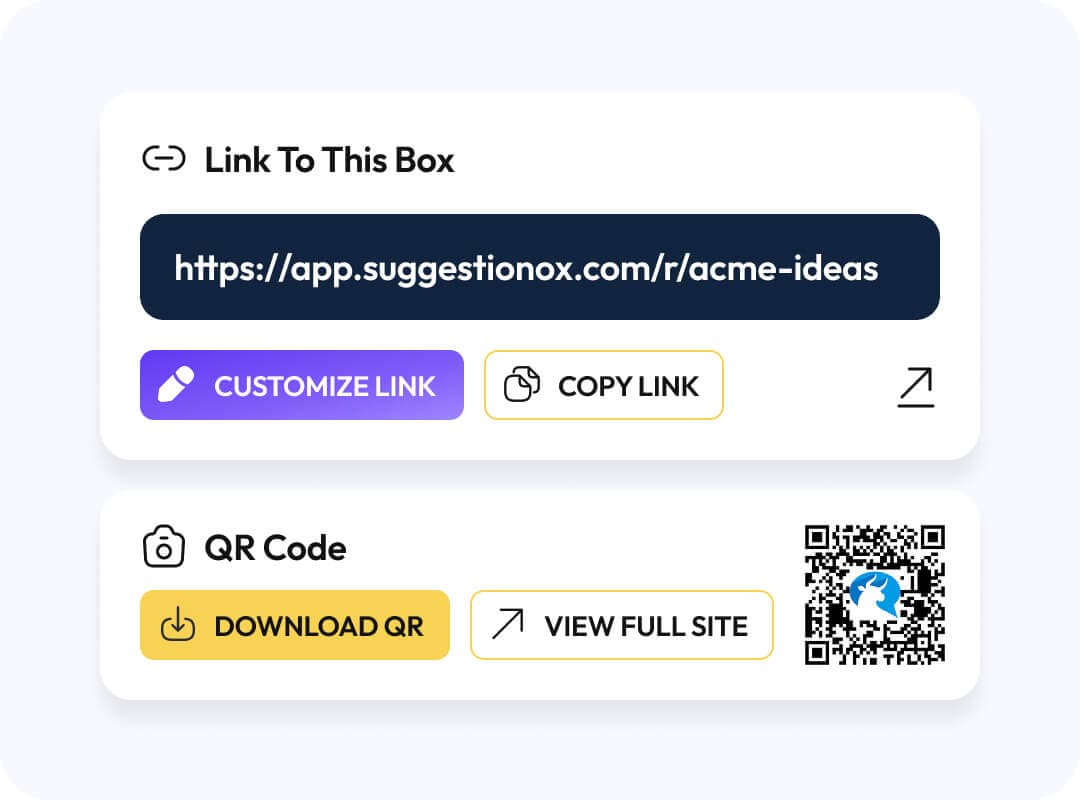
Get a short link for email and chat, plus a QR code for posters and slides. Post it on walls, wikis, onboarding decks, wherever eyes are. Keep awareness high with Slack or Teams reminders.
- Short link you can email.
- Auto-generated QR code for posters.
- Optional reminders in Slack or Teams.
Do not stop at intake

Reply Without Revealing Identities
Learn More
Keep the Thread Open
Learn More
Show Public Replies When You Want Transparency
Learn MoreConnect it to your workflow
Get new‑submission alerts in Slack and Microsoft Teams, plus scheduled reminders to keep owners moving.
They love us for a reason
Don’t just take our word for it, see and hear what our customers are saying.
“You know you’ll hear the truth, because your people know their identity is protected.”
J Patel
CEO, IMImobile
Read story“In HR you don’t want to guess and you don’t want to just throw things at the wall and hope they stick. Suggestion Ox lets us diagnose and understand what’s working, what’s not working.”
Greg Crook
VP of Human Resources, Guarantee Electrical
Read story“Suggestion Ox is a highly-valuable way for people to send anonymous questions and suggestions whenever they occur to someone.”
Jennifer George, MS, SHRM-CP
Manager, People Operations, Vituity
Read story